The Best Android Luggage Tracker Motorola MotoTag Review

Motorola MotoTag Review - Best Android Luggage Tracker?

After trying Tile, Chipolo, and MyTag, I kinda gave up on Bluetooth trackers. I’ve used Tile, Chipolo, and MyTag during international trips across the Maldives and other destinations.

While Chipolo performed the best among them, none of them were consistently reliable. Tile suffers from limited network coverage and MyTag requires manually powering it on before every journey—something easy to forget and extremely inconvenient. What’s worse, MyTag begins beeping after several hours if it detects no movement, which becomes annoying quickly.

So I kept searching for a dependable Android‑friendly luggage tracker and then came across Motorola’s new MotoTag. This is the first major Android tracker to support Ultra‑Wideband (UWB), which can track precise location. It looks like MotoTag is the most capable option available today.

I saw the quality in MotoTag immediately after opening it. The build quality is premium, the materials feel solid, and unlike Tile, the battery is replaceable. Setup is straightforward: pull the battery tab and your phone instantly detects the device through Google’s Find My Device network. A quick firmware update through the MotoTag app unlocks additional features, including customizable ringtones and a “locate your phone” function.

The standout feature, however, is UWB precision tracking paired with a compatible phone. For the Pixel series it is compatible with Pixel 8 Pro or newer, so my Pixel 10 Pro worked fine. MotoTag provides real‑time directional guidance similar to Apple’s AirTag. During testing, the on‑screen arrow updated instantly as I moved around the room, accurately pointing towards the tracker with impressive precision. This is the first time an Android tracker has matched Apple’s level of accuracy.

I found the built‑in speaker wasn’t extremely loud, but just OKthe . Pressing the MotoTag to ring the phone requires a firm double‑press, but it worked.

Overall, Motorola’s MotoTag finally gives Android users a trustworthy, modern tracking solution. With UWB support, seamless Google Find My Device integration, and a premium design, it outperforms every Android‑compatible tracker I’ve used in the past.

This will be my primary luggage tracker for upcoming trips to the Philippines, Singapore, and Turkey, where I’ll share more real‑world tracking results.

For now, the MotoTag stands as the best Android luggage tracker available. This is an unbiased, unsponsored, and non-affiliated review.


13 Reasons Not to Use the Wise Card (And What to Use Instead)

Why Not to Use the Wise Card

The Wise card is one of the most aggressively- promoted financial tools online. You’ll see influencers praising it, bloggers recommending it, and ads following you across the internet. But once you look past the marketing and affiliate hype, the Wise card becomes one of the least cost‑effective and least practical options for real travelers.

After analyzing Wise’s fees, policies, and real‑world traveler experiences across multiple countries, here are the 13 reasons you should avoid using the Wise card.

1. Hidden Conversion Fees (And the Network Rate Reality)

Wise says it uses the “mid‑market rate,” but it also adds a conversion fee. 
For many currencies (like CAD → MYR), that fee is around 0.60%.

Meanwhile, Visa and Mastercard usually stay within 0.2%–0.3% of the mid‑market rate, with no extra fee added.

So in many cases, the “fee‑free” network rate is actually cheaper than Wise once Wise adds its conversion fee.

2. The New ATM Tax (2026 Update)

Wise gives you a tiny free ATM allowance. After that, the fees become extremely expensive. As of May 1, 2026, Canadian Wise users now pay:

  • $2.69 fixed fee per withdrawal, plus

  • 2.69% of the withdrawal amount

This is significantly worse than the old 1.75% structure and makes Wise more expensive than most traditional bank cards and 0% FX credit cards. In cash‑heavy countries, this becomes a silent tax on every dollar you take out.

3. Extremely Low Free Withdrawal Limit (Now Even Lower)

Wise previously offered $350 CAD in free ATM withdrawals per month.
As of May 1, 2026, this has been slashed to:

  • Only $100 CAD per month

Most travelers exceed $100 in a single week, which means you immediately fall into the new double‑fee system (fixed fee + percentage fee). This makes Wise one of the most expensive ways to access cash abroad.

4. Wise Is 3× More Expensive Than a Simple Two‑Card Setup

Real math example:

 For every $1,000 spent (50% card, 50% cash):

  • Wise costs $10.13

  • A no‑FX credit card + a no‑FX bank card costs $3.25

Wise is literally three times more expensive.

5. No Rewards or Cash Back

Every time you use Wise, you earn nothing. 
A no‑FX credit card earns 1–2% back, which is a hidden cost of choosing Wise.

6. Weak Consumer Protection

Wise is a Money Services Business, not a bank. 
Debit cards have weaker dispute rights, weaker fraud protection, and no chargeback guarantees compared to credit cards.

7. Account Freezing Risks

Wise is known for automated account freezes triggered by “suspicious activity.” 
If this happens while you’re abroad, you may lose access to your money for days.

8. No Emergency Credit Line

If your Wise balance hits zero, you’re done.

 A credit card gives you:

  • A buffer

  • Emergency credit

  • Protection from fraud while the dispute is resolved

Wise gives you none of that.

9. Not Ideal for Hotels or Car Rentals

Hotels and rental agencies often:

  • Reject debit cards

  • Require large deposits

  • Prefer credit cards for holds

Wise is unreliable for these essential travel situations.

10. No Travel Insurance or Perks

Wise offers zero:

  • Trip cancellation

  • Medical coverage

  • Lost baggage protection

  • Rental car insurance

  • Lounge access

  • Delayed flight compensation

A premium no‑FX credit card includes most of these automatically.

11. Preloading Friction

Wise requires you to:

  • Move money into the account

  • Wait for transfers

  • Manage balances manually

If your bank blocks a transfer or you have poor Wi‑Fi, you’re stuck.

12. Your Own Money Is Tied Up During Fraud Investigations

Wise is a debit card, which means any fraudulent transaction hits your actual balance. 
Even though Wise offers app security and card freezing, if fraud occurs, your money is tied up until the investigation is complete. 
With a credit card, the bank fronts the money and you’re not out of pocket during the dispute.

13. Sponsored Review Bias

Most online “Wise reviews” are affiliate‑driven. 
Creators get paid when you sign up, so they rarely compare Wise to the cheaper, smarter alternatives.

Final Thoughts

Wise is a great tool for sending money internationally — but as a travel card, it falls short in almost every way. Between the hidden fees, weak protections, and lack of perks, it simply cannot compete with better options available to travelers worldwide.

If you want to see the exact setup I recommend instead, including the simple two‑card method that consistently beats Wise on cost and convenience, check out my dedicated video/article on that strategy.

5 Things We Used in the Maldives & 3 We Didn’t

Maldives Packing Hacks: What We Used & What Didn’t

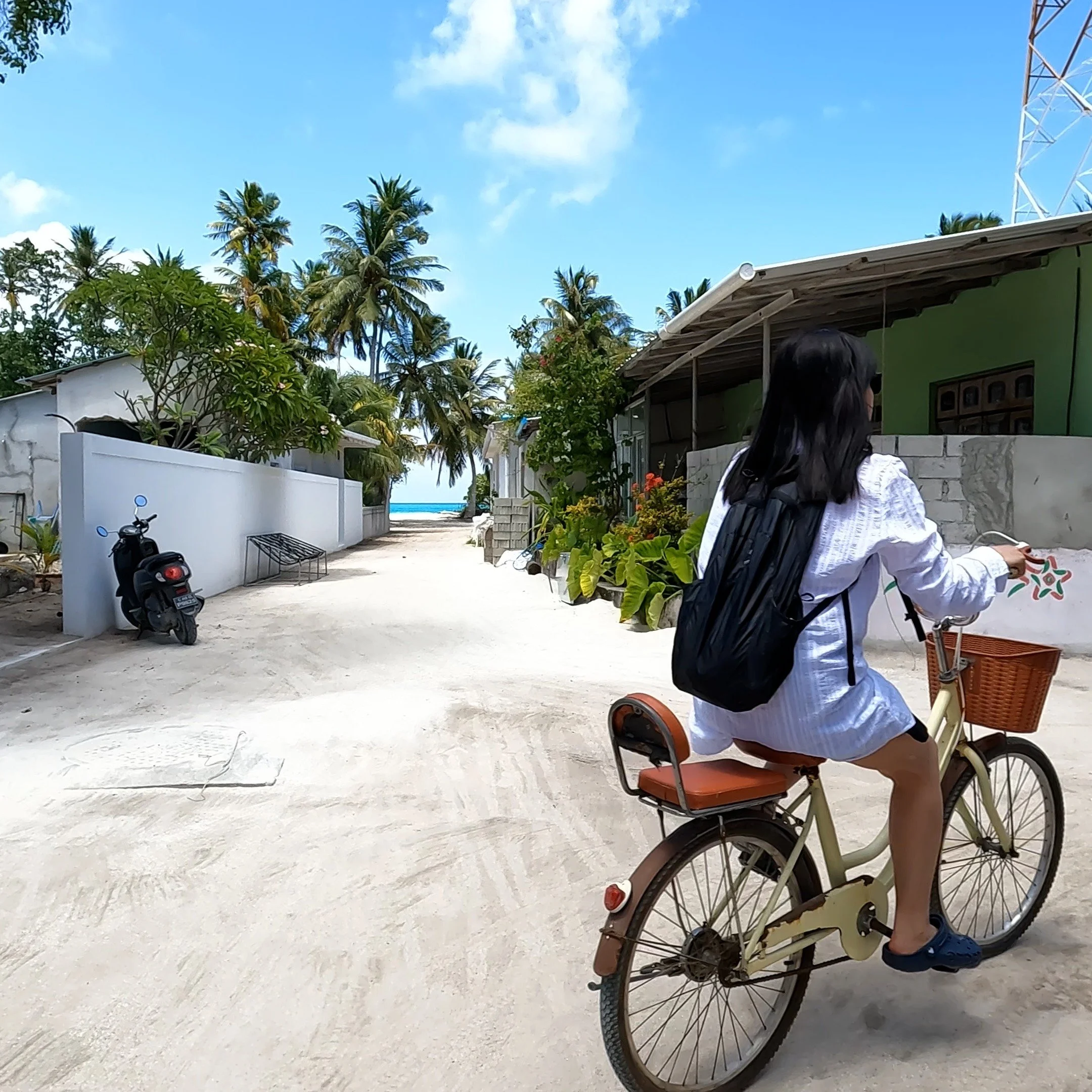
Packing for the Maldives can be tricky—you want to be prepared without overpacking. After visiting 4 Maldives local islands and 1 resort islands, here are five things I actually used and three that stayed in my bag.

✅ 5 Things I Actually Used

  1. Full-Sleeve Sun Protection Shirt - The Maldivian sun is strong and this lightweight shirt kept me cool while protecting my skin during snorkeling and beach walks.

  2. Sunblock (High SPF) - An absolute must. Whether relaxing on the beach or on a boat trip, sunblock was essential every single day.

  3. Crocs Sandals - Comfortable, waterproof, and perfect for sandy beaches and rocky paths. On our boat tour, we left them on the dock in the open sun for 6 hours and still didn’t find any damage from overheating.

  4. Light Portable Foldable Backpack - Ideal for carrying essentials during day trips without feeling bulky.

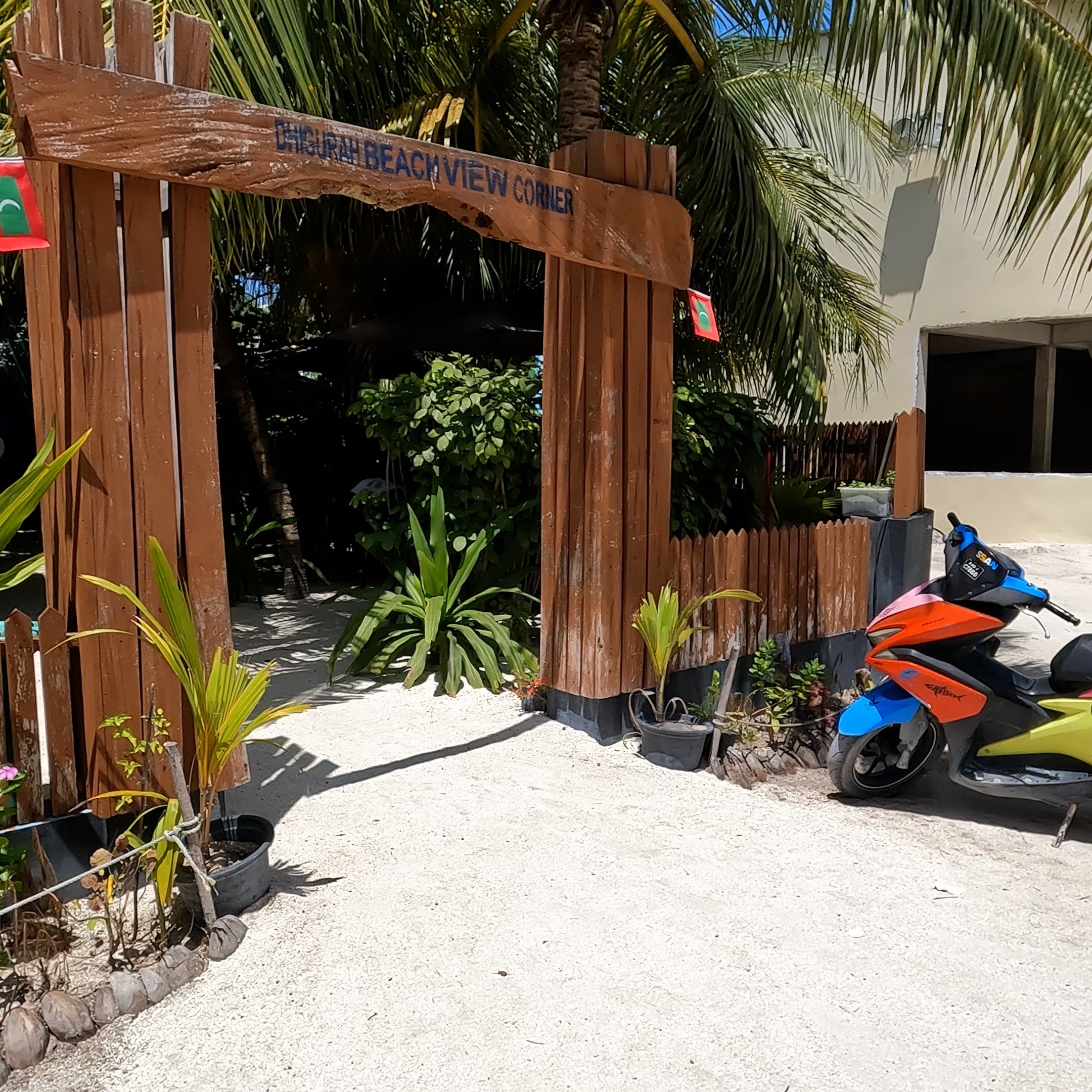
  5. Mini Flashlight - Dhigurah’s roads were pitch black at night with no street lamps. This small flashlight was a lifesaver for evening walks.

❌ 3 Things I Didn't Use

  1. Mosquito Repellent - I packed 5 bottles expecting trouble, but mosquitoes were barely an issue. We only used one. The rest I gave to hotel employees on different islands.

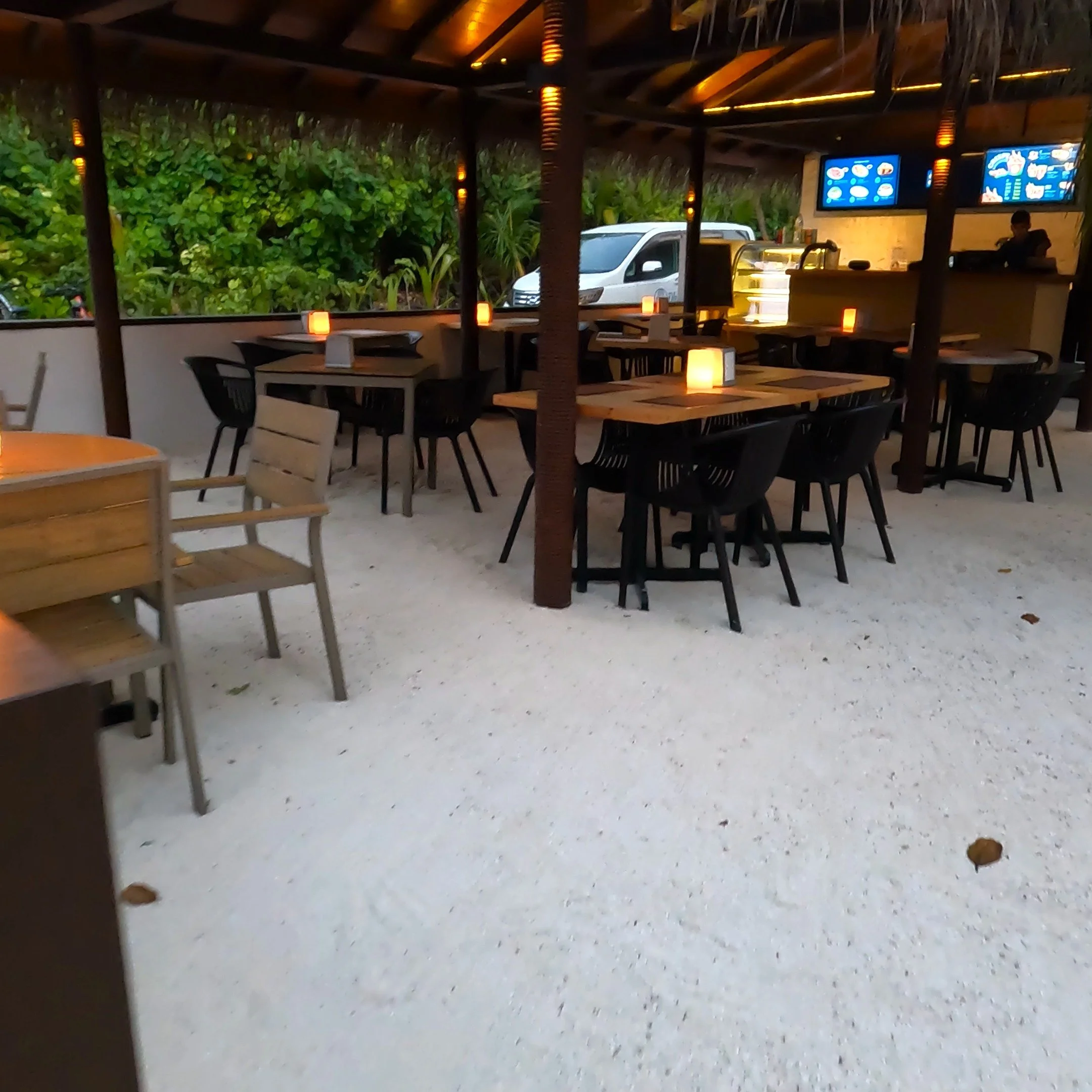
  2. Extra Coffee & Brewing Gear - Every island had plenty of coffee shops and hotel rooms offered complimentary coffee. Our Tim Hortons coffee and filters stayed unused.

  3. Rain Jacket - The Maldives rain comes in short bursts and clears quickly. We carried our rain jackets everywhere but never needed them.

What I Would Do Differently Next Time

Packing smart for the Maldives means focusing on sun protection and practical essentials. Leave behind the "just in case” or excess items. Instead, bring what you'll truly use—like a good sunblock and even a mini flashlight for those quiet island nights. We would still carry our light foldable rain jacket next time but the rest of the items we didn’t use won’t make the cut. The Maldives is all about simplicity, so travel light and enjoy paradise.

Best Travel Shirt for Hot Climates: Columbia Omni-Shade Review

Columbia Travel Shirt: Sun Protection for Tropical Adventures

For travelers who value performance, style, and practicality, the Columbia travel shirt stands out as a top-tier choice. In my latest video, I explore the features that make this shirt a reliable companion for frequent travel. Watch the full review here: Columbia Travel Shirt Review on YouTube.

Designed with Columbia’s Omni-Shade™ UPF sun protection, this shirt is particularly well-suited for destinations with strong sun exposure, such as the Maldives, Thailand, and other tropical regions. The fabric blocks harmful UV rays, offering an extra layer of protection without the need for constant sunscreen reapplication.

In addition to sun safety, the shirt features Omni-Wick™ moisture control, which helps regulate body temperature and keeps the wearer dry in humid conditions. Its quick-dry capability makes it ideal for travelers who prefer to pack light and wash on the go—perfect for multi-day trips or minimalist packing strategies.

Its functionality is further enhanced by hidden pockets, roll-up sleeves, and a lightweight, breathable design. These elements make the shirt adaptable for a range of activities, from urban exploration to outdoor excursions. It transitions easily from daywear to evening attire, maintaining a polished look without sacrificing comfort.

The Columbia travel shirt is not just about convenience—it’s about smart travel. Investing in gear that performs across climates and situations allows for smoother, more efficient travel experiences. This shirt exemplifies that philosophy.

For those planning trips to sun-drenched destinations or simply looking to upgrade their travel wardrobe, this shirt offers a compelling blend of protection, performance, and style.

How To Use AI To Created Perfect Malaysia Itinerary

How AI Created My Entire Malaysia Itinerary: A Travel-Planning Experience with Google Gemini

Planning a multi-city trip across Malaysia can be a challenge, but I decided to let Google Gemini take the lead—and it turned out to be one of the smartest travel decisions I’ve ever made.

I started by asking Gemini a simple question: “What are the best things to see in Kuala Lumpur and Penang?”. It responded with a curated list of top attractions, from the Petronas Towers and Batu Caves in KL to George Town’s street art and Penang Hill. But the real magic began when I started customizing the list. I added places that matched my interests and removed others that didn’t appeal to me. Gemini adapted instantly, refining the suggestions with each conversation.

Once I had my must-see spots, Gemini built a day-by-day itinerary. I asked it to break each day into morning, afternoon, and evening segments, which made the schedule feel more manageable and realistic. It even matched activities based on where I was staying, pulling location data to ensure I wasn’t crisscrossing the city unnecessarily.

One of its most helpful features was Gemini’s ability to estimate travel times and directions. From my arrival at Kuala Lumpur International Airport, it mapped out how long it would take to reach my hotel, and how to get to each attraction—whether by train, Grab, or walking.

My itinerary includes 2 days in KL, followed by a trip to Penang for 3 days, and then 3 more days back in KL before flying to Malé in the Maldives. Every leg of the journey was planned with Gemini’s help, making sure I had time to explore, relax, and travel efficiently.

I plan to share this itinerary on my YouTube channel during the trip, showing how AI can transform travel planning into a personalized, stress-free experience. If you're planning a trip and want a smart assistant that listens and adapts, Gemini is worth trying.


💡 Tips for Using AI to Plan Your Trip

  1. Start with broad questions like “What are the top things to do in [city]?”

  2. Refine results by telling the AI your interests (e.g., food, history, nature).

  3. Ask for day-by-day breakdowns and request time-of-day planning.

  4. Share your hotel location so the AI can group nearby attractions.

  5. Request travel times and directions to better manage your schedule.

  6. Use follow-up prompts to simplify or adjust the itinerary as needed.

AI won’t replace your travel instincts, but it can definitely enhance them. If you’re planning a trip, give it a try—you might be surprised how much easier it makes everything.