The New Blackberry Playbook Tablet

The New Blackberry Playbook

First Published Date : October 17, 2010 ADawnJournal.com

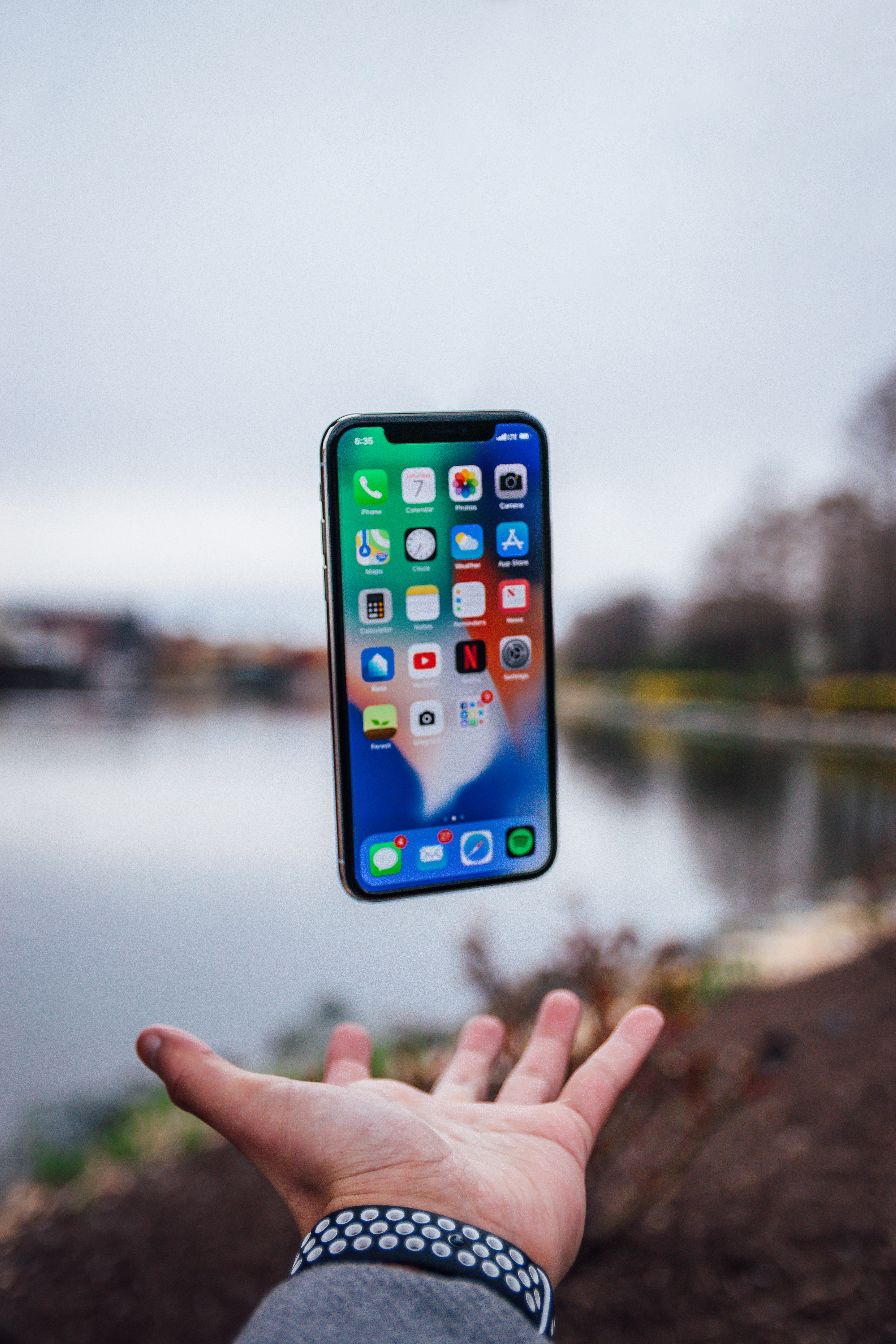
The tablet wars are on across North America thanks to the revolutionary iPad, which has started the tablet market with such a force that many were caught off-guard by its success. To that end, Blackberry does not want to be left out of the tablet wars and have announced the introduction of their Blackberry Playbook, a small tablet computer they hope will compete with Apple iPad.

The PlayBook is 9.7 mm thick, making it the smallest tablet computer ever made, and the first below 10 mm in thickness. The company is expecting to deliver the product to its developers and enterprise customers by October, with it being widely released by early 2011.

Prior to the release of the product, there was a great deal of speculation about the tablet, nicknamed the BlackPad.

So, what can you expect from the PlayBook when it is widely released in 2011 to all of us? Here are just a few things:

1.   It will have a seven inch screen, which will allow a resolution of 1024 x 600, which will support the multi-touch operation and gesture system with a form factor of 5.1 inches by 7.6 inches by .4 inches, giving it a total weight of just under one pound.

2.   Two high-definition cameras that will be mounted on the front and back will support the video , giving it something the iPad does not have (although the next iPad model is expected to have cameras). The Playbook cameras will be three megapixels and five megapixels and a micro-HDMI socket will provide the ability for digital-video output and the screen will have a HDMI interface so it can show different images simultaneously.

3.   As with the iPad, which has the AppStore, the PlayBook will have the ability to use Blackberry smartphone applications, which will be provided by the BlackBerry WebWorks toolkit, which will allow applications to be written on both the smartphone software (BlackBerry OS 6) and the tablet software (BlackBerry Tablet OS).

4.   In addition, the tablet will also have a web browser that supports Adobe Flash, which the iPad does not, and HTML5.

While the first version of the PlayBook will have no telephone capabilities, relying instead on Bluetooth communication, future versions of the PlayBook will have the capability to make telephone calls.

So, when will it be released in the United States and elsewhere? Well, as we already said, it will be released in the United States in early 2011, but elsewhere it will be released in the second quarter, which means between April and June 2011.

Will the PlayBook take a bite out of the market that the iPad currently dominates? Tough to say since Blackberry is a phone company, not a computer company. However, many thought the same about Apple selling cell phones but they effectively changed what people by with the iPhone. So, only time will tell to see if the PlayBook will be the Apple killer, or if it will be itself, killed by Apple.

How to Get Free Internet for Your Laptop at Starbucks

Free Internet Wi-Fi on Your Laptop

First Published: August 13, 2009 ADawnJournal.com

Whether you are an Internet Entrepreneur, or just a regular Internet addict, chances are high that the idea of having high-speed Internet on your laptop while sipping a cup of coffee has crossed your mind. But the question is, is it possible to get free Internet Wi-Fi access Hotspot service for your laptop while having a cup of coffee for free?

Starbucks coffee shops in Canada and in the US offer free high-speed Internet access for free. To use this free Wi-Fi access, you need to have a Starbucks.com user name and password. To obtain this user name and password, you need to buy a Starbucks card.

In Canada, if you are buying your card at a Starbucks location, the minimum amount you need to purchase is $5. Once you have a card, you will be able to register for a username and password and then you will be able to use free high-speed Internet.

A Starbucks card comes with many other perks. My favourite one is unlimited brewed coffee refills with any size cup. Free Internet access is limited to two hours daily; I think this is more than enough for most of our usual daily needs. This program works very similar way in the US as well. Visit Starbucks.com and Starbucks.ca for more information.

I enjoy having a cup of coffee outside while working on my laptop. Starbucks will be able to redirect a good number of customers towards them from other coffee retailers, just by simply having Wi-Fi friendly shops. This is very good for Starbucks from a business perspective. Soon, other coffee players that are not offering free W-Fi, will have to offer this service to hold onto their customers. 

Bluetooth Toothbrush? Are We Going Crazy?

Are These Apps Wasting Time?

I never thought that we would like to have an overview of what's going on inside our mouth while brushing and want to keep track of that in an app. Recently I came across Bluetooth toothbrushes that can do just that.

These brushes keep track of how you are brushing your teeth, how long you are brushing, where you are putting more pressure, where you are putting less pressure, and many other bizarre things - and then connects to your smartphone via Bluetooth. You can have a detailed report of your brushing activity and your phone can also remind you to brush your teeth should you forget.

You can say this is a marvel of modern technology, but I would gladly decline tracking every move we make and have a report to analyze it. How far we can go with things like this? An app to track how we wear our clothes? An app to track how we walk? How our eyes look and if they are seeing properly?

The world is full of distractions and you need to be very selective in what you do and do not use. As our time is limited on earth, you want to appreciate, enjoy and cherish every second of it before it's too late. I already visit my dentist every 4 months and am not willing to give up more time tracking how I brush my teeth.

A Non-techie’s Guide to Setting Up a Professional Blog

How To Start A Blog

First Published Date : March 12, 2009 ADawnJournal.com

I get emails from my readers asking how to set up a blog. I always reply and try to briefly explain to them how to set up a blog in simple terms. Sometimes these replies turn out to be long emails, which  made me think: instead of replying to each individual separately, I can just write a post explaining everything.

Today, I will discuss how to set up a blog even when you are not a tech-savvy person. If you have always wondered if it is possible to start a professional-looking blog without knowing programming codes, DNS, FTP, domain forwarding and so on, this post is for you.

Before we start, you need to know what a domain name is and you can learn it by reading this post How to Make Money from Domain Names. I am going to explain three different blogging platforms you can use to start your blog. Once you finish reading, you should be able to decide on your own which path best suits your needs.

Option 1 – Use Free Hosted Blogging Platform

This is the easiest way to setup a new blog. It should not take you more than ten to fifteen minutes to write your first post and see it live online. A hosted blog service that hosts your blog for free is the actual owner of your blog. Because they own everything, you have no control over your blog. If they want, they can delete your blog or ban you from posting at any time. Some of the more popular hosting platforms are WordPress, Blogger, and TypePad. With a hosted blog, you do not need any domain name. Your blog address will be like yourname.blogspot.com. To start your own blog, just visit any one of these sites. If you know how to surf online, you can also set up a blog with these hosted blogging platforms.

Option 2 – Use Paid Hosted Blogging Platform

Squarespace is a paid web publishing or blogging platform that lets you create a professional-looking blog very easily. Squarespace provides a lot more flexibility than those mentioned above. It provides you with all the tools, design templates, and hosting to create a professional-looking blog. Using Squarespace’s setup, you can have a professional-looking blog live online in an hour. You do not need to have your own domain, but you can choose to go with your own domain if you want. In that case, you need to buy a domain with a domain registrar like GoDaddy,HostGator, or Bluehost. Then you have to point your domain to Squarespace. This is not hard to do. The Squarespace website has step-by-step instructions on how to do it. A Dawn Journal was actually hosted by Squarespace for eight months when it started.

Option 3 – Use Stand Alone Blogging Platform

A stand-alone blogging platform is hosted by you on your own domain. This gives you full ownership, controls, rights, and privileges to your blog. You need to have your own domain name and web hosting (server space) to host your blog. A domain name and hosting plan are not expensive. It would cost you about $10 annually to have your own domain and about $7-10 monthly to buy web hosting. WordPress is a popular stand-alone blogging platform and I recommend it strongly. The problem with Option 3 is that it requires technical literacy to install WordPress on your domain server.

But what can you do if you are not tech-savvy enough to do it by yourself? Have someone else do it for you. If you have friends or relatives who know how, ask them to do it. If you don’t have anyone, I recommend using Kevin’s Free Instant Blog Setup services. Kevin is the one who looks after all my websites, and he can setup your WordPress blog in a snap. How much is the cost? It’s free. Yes, you heard it right. He will do it for free; however, there is a small catch. You have to sign up for hosting through Kevin’s website. Kevin is an affiliate with those web hosting sites mentioned on his blog, and he gets paid by those sites when you sign up through his site.

If you already have a domain and web hosting, Kevin can still do it for you for minimal fees. Contact him directly through his contact page for more info. The reason I recommend Kevin is because he is knowledgeable, friendly, and someone you can rely on. Let’s say after one year you messed up your site and need help to fix it, or you decide to change your site design (template), or you would like to install new stuff – Kevin will do it for a reasonable cost. In this line of business, you can easily get ripped off if you don’t know who you are dealing with. Also, you will be able to find similar free installation services by doing a Google search with these keyword phrases: free WordPress blog installation service.

Final Word

If you are just trying to start a blog to see if this is for you, I recommend going with Option 1. I started my first few blogs with Blogger.com. If you are looking to start a professional blog all by yourself, I recommend Option 2. If you are serious about blogging, want to blog for the long term, and have Internet entrepreneurship in your mind, I recommend going with Option 3.

Free Home Phone Comes To Canada

Canadians Can Now Have Free Home Phone

First Published: ADawnJournal.com March 25, 2009

What Is VOIP

The Internet has transformed the way we live, work and play. Also, it has revolutionized the way we talk to each other. Voice over Internet Protocol (VoIP) is a technology that allows you to make calls over the Internet. VOIP technology lets you can make regular phone calls directly from your computer, VIOP phone, or a traditional phone connected to a router/adaptor.

What You Need To Make Internet Calls

If you would like to make calls from your computer, you will require these:
– high speed connection
– a headset
– microphone
If you have a laptop or a computer that you purchased not long ago, you may already have built-in speakers and microphone installed. If this is the case, you don’t need any additional microphone or headsets.

If you would like to make calls using a regular phone, you will require:
– high speed connection
– a telephone adaptor/router

Is There Any Free VOIP Provider?

VOIP has been my special area of interest since its beginning. In January 2004, when Primus offered VOIP service in Canada for the first time, I was one of the few individuals to try it. I have always been keeping an eye for free VOIP service provider. So far I have not had much luck. However, about a week ago, when I was searching for free home phone on the Internet, I came across this company promising free home phone service.

FreePhoneLine

Freephoneline.ca has launched free VOIP home phone service with many features. Some of these features are:

Caller ID
Enhanced Voicemail
FollowMe Service
Unlimited Local Calling
Unlimited Free Long Distance Calling To Major Canadian Cities

How Does This Work

There are two ways you can use FreePhoneLine. You can make calls using a soft phone or a hard phone. A soft phone is a software that you install on your computer to make calls using your computer. A soft phone exactly looks like Yahoo or MSN Messenger. A hard phone is a physical phone. You will need high-speed Internet connection, an analog telephone adaptor/router, and a hard phone (a real phone you use to make calls from home) to make calls using a hard phone. Your computer does not have to be on to make call via hard phone.

Does FreePhoneLine offer 911 Service?

Yes. As this is a real home phone replacement, 911 service is available. Check FreePhoneLine website for more information.

Will I Be Able To Keep My Existing Home Phone Number?

Yes, you will be able to keep and transfer your existing phone number to FreePhoneLine’s network for a onetime fee. Check their website for more information.

What’s My Take

After reading this article, I don’t suggest you to cancel your home phone service right away. What you can do:

– Try FreePhoneLine soft phone for a month and see if you like it or not
– If you like it, don’t cancel your regular home pone yet. Try it as your secondary home phone
for a couple of months.
– If you are fully satisfied, then cancel your regular home phone

I have been using the soft phone version of FreePhoneLine. So far, I am satisfied with the sound quality and all cool features. It’s loaded with features which a regular phone will never be able to offer. For example, Enhanced Voicemail lets you forward your voicemails to your email, FollowMe feature lets you forward your calls to your cell, home, or work phone. However, unquestionably the best FreePhoneLine feature is – it’s free. Nothing can beat that. Visit Free Phone Line here – FreePhoneLine